Scheduled & automated customer messages
Prepare customer messages. Send at the chosen time.
Send once on a fixed date and time, annually on a birthday or relative to a customer date: QORLYNT schedules personal messages for individual contacts or selected contact groups. Start with messaging without setting up appointment booking.
How the workflow works
Add contacts and the occasion
Import contacts from CSV or Excel, for example, and check phone numbers, date fields and suitable consent. A custom customer field can hold a wedding date.
Personalise an approved template
Select a suitable WhatsApp template approved by Meta. Customer fields fill the intended variables so the greeting and occasion match each person.
Set and review the delivery rule
Choose a fixed delivery date and time or a customer-date rule, such as ten days before the occasion. Review recipients, content and timing before activation, then check message status.
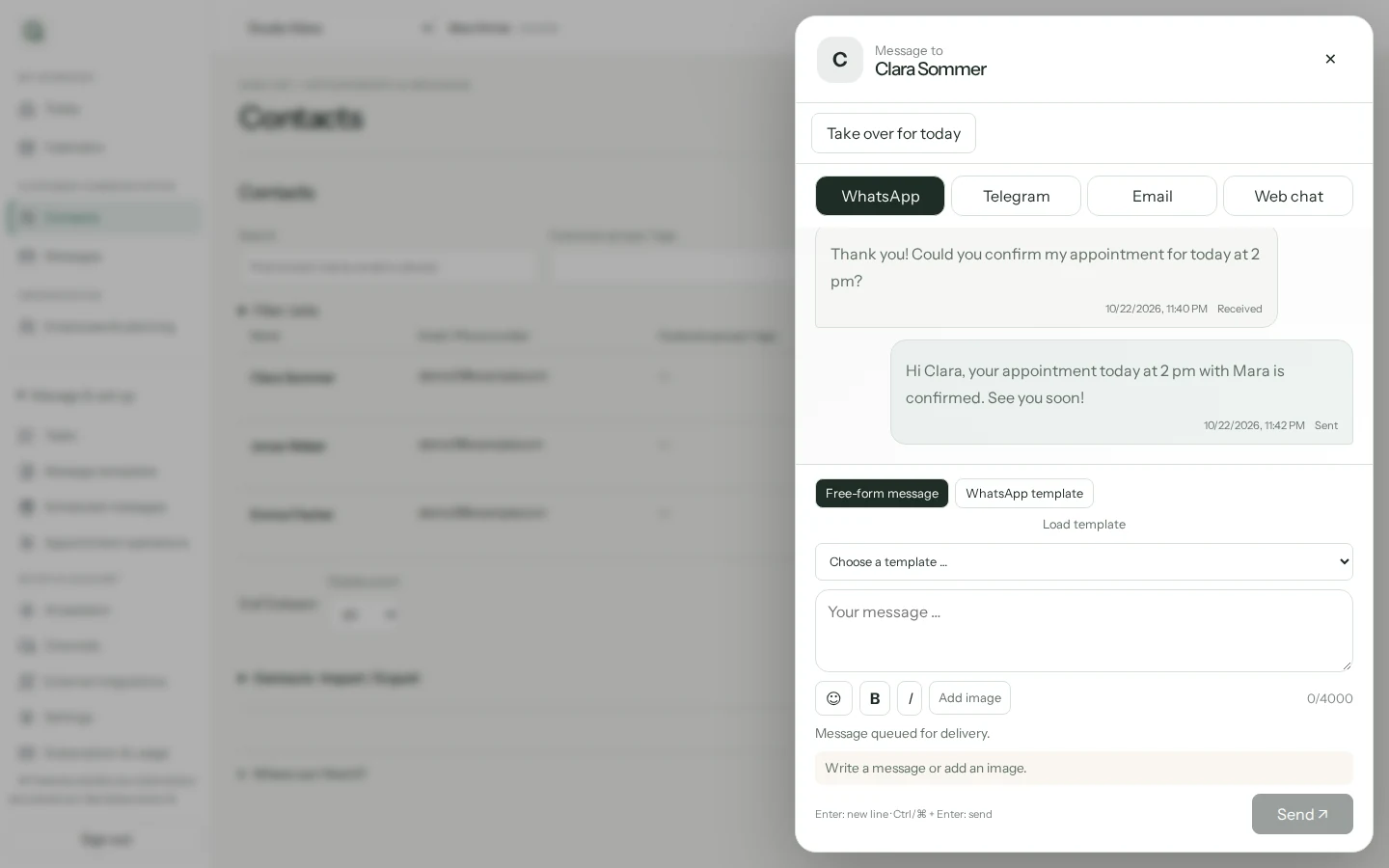
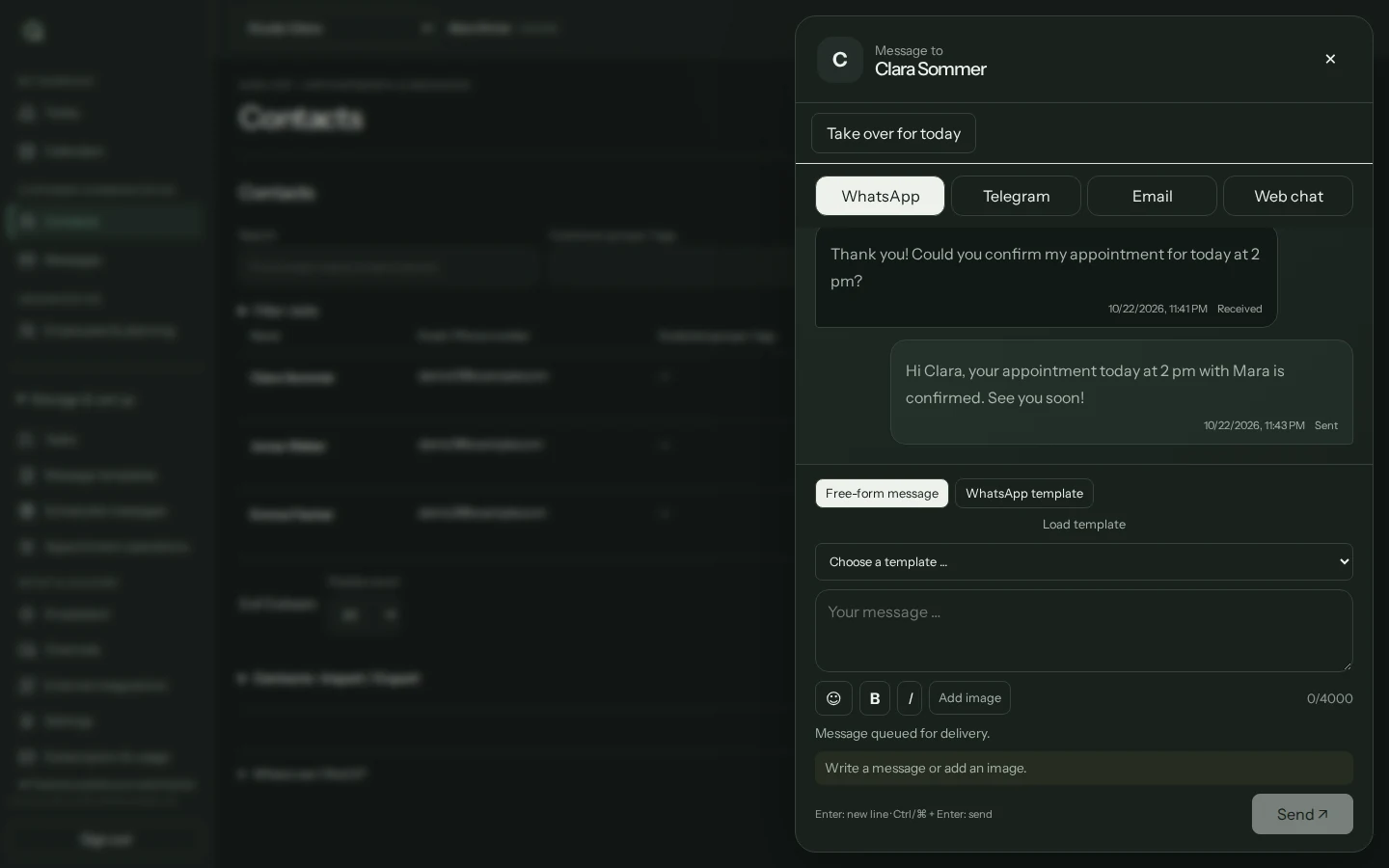
Set up WhatsApp birthday greetings, step by step
Example: send your customers a personal greeting every year on their birthday at 09:00. No appointment booking is required. Your WhatsApp channel must be connected and available on your plan.
Prepare contact details
Under Contacts, check the phone number, birthday date field and recorded marketing consent. If the date field is missing, add it in the contact directory first. Use your own test contact with the required consent for an initial run.
Choose the occasion and recipients
Open Message planner and choose Plan a message. Give the plan a name, select Birthday and choose individual contacts, contact groups or all contacts. Selection alone does not make every contact eligible for delivery.
Choose a WhatsApp template
Under Channel & template, select WhatsApp and an approved marketing template. Check the personal template values. A template requiring a specific appointment does not fit a birthday greeting. Save a draft if the template is not yet approved.
Set the date and time
Under Delivery time, select the Contact date field and 09:00 in the Business time zone. In Advanced settings, check yearly repetition at a one-year interval and delivery day 0: the birthday itself. For 29 February, QORLYNT uses 28 February in non-leap years.
Review recipients and delivery
Under Review & activate, choose Check delivery. Review eligible and excluded recipients, next delivery times and the remaining allowance. You can optionally send a test message to your selected test contact. This triggers a real send with normal charges and does not activate the campaign.
Activate deliberately
Once the recipients, template and time are correct, choose Prepare activation and then Confirm activation. Activation enables future due messages. Consent, dates and the template are checked again before delivery.
What to set up first
- Connect a WhatsApp Business number and obtain approval for a suitable Meta template.
- Ensure appropriate consent and complete customer data; importing contacts does not provide consent.
- Check dates, time zone and delivery rules before enabling automated messages.
Which plan fits?
You can start with Basic. Contact and message volumes help determine the right plan. Meta fees are additional through your own Meta account. The pricing page lists current allowances and add-ons.
Compare plans and allowances →What to know before starting
QORLYNT cannot guarantee Meta approval or delivery. Correct missing or inaccurate customer fields before sending. Scheduled messages count against your allowance when queued; later cancellation does not refund that allowance.
Frequently asked questions
Can I use messaging on its own?
Yes. Start without appointment booking and configure other features later. The plan advisor offers an entry path for automated customer messages.
Can I send annual birthday greetings?
Set an annual rule using the stored birthday and a suitable template. Check the necessary consent and connected channels first.