

WhatsApp for weddings & events
WhatsApp for weddings & events. Personal messages at the right time.
Wedding photographers, florists and celebrants often work with customers for months. QORLYNT helps you prepare personal messages around a stored contact date and organise consultation bookings. You can start with customer messages without setting up appointment booking first. One practical example is a planned message ten days before the wedding.
How the workflow works
Prepare contacts and the occasion
Import contacts from CSV or Excel and store the wedding or event date in a custom date field. Check first names, phone numbers, dates and consent. Decide whether to reach selected contacts or an appropriate group.
Choose a personal template
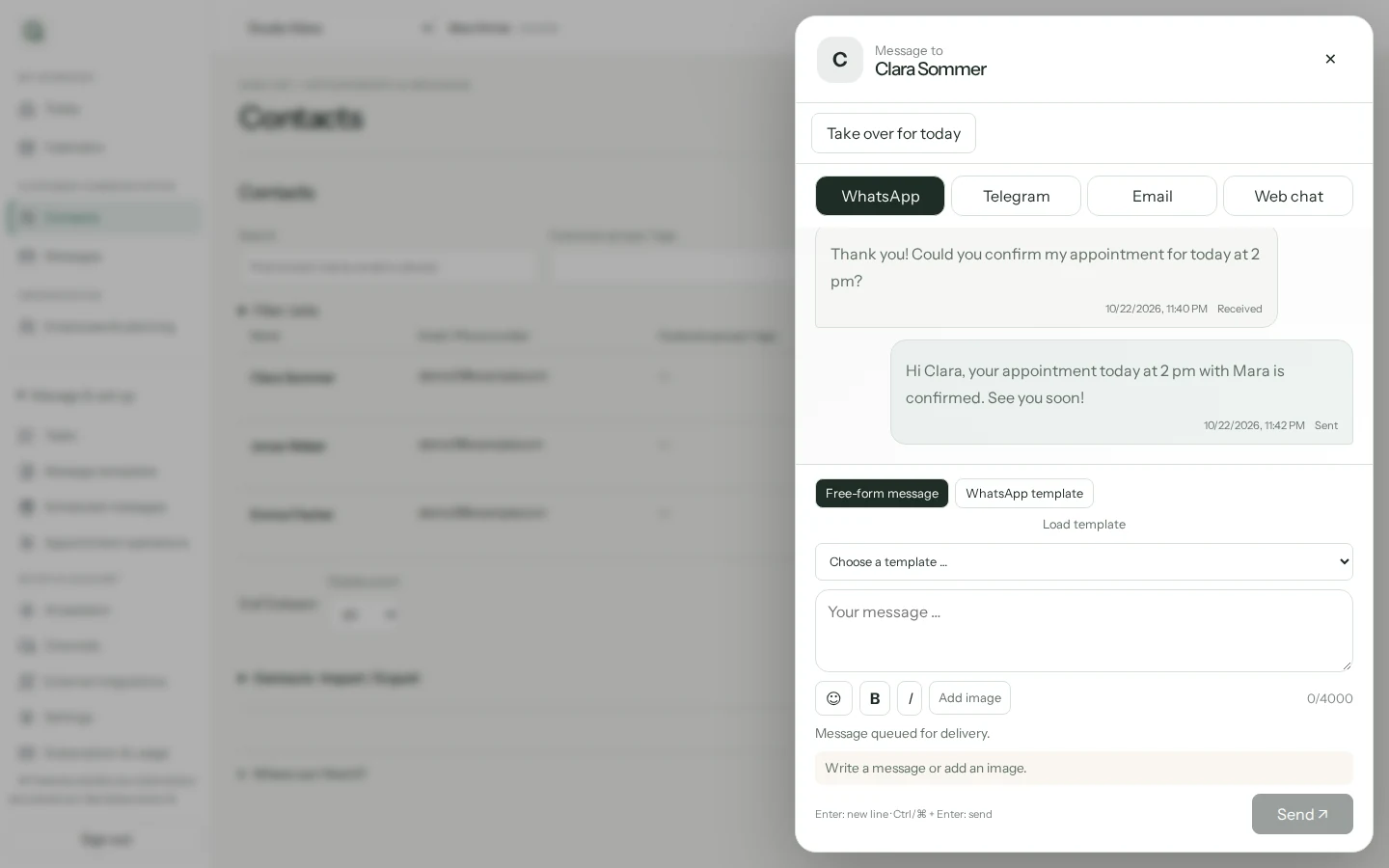
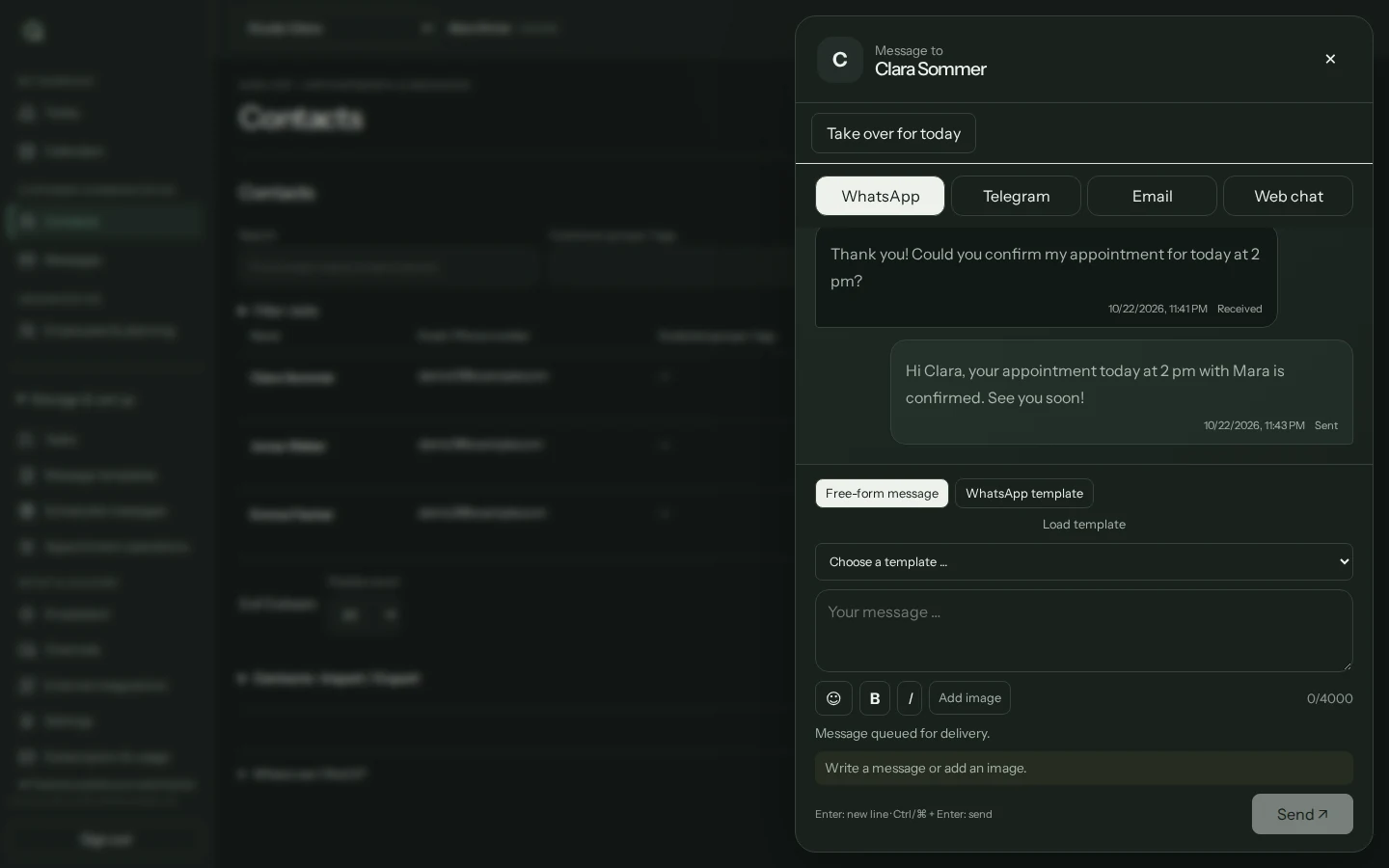
Select a suitable WhatsApp template approved by Meta and map its variables to the right contact fields. Example for an agreed service: Hello Alex, your big day is in ten days. Is there anything else to clarify for our agreed appointment? This is sample wording, not an already approved template.
Check timing and activate
Choose delivery relative to the contact date, for example ten days beforehand at 09:00 in your business time zone. Review recipients and upcoming delivery times. Then activate the rule and check message status.
What to set up first
- A connected WhatsApp Business number and a template approved for the actual purpose of the message.
- Complete contact details, suitable consent and a verified occasion date field. Importing a contact does not automatically authorise messages.
- A deliberate choice between a one-off message before an event and annual anniversary greetings.
- Your own test contact to check names, dates and delivery time. A test send is a real message and may incur charges.
Which plan fits?
Customer messaging can start with Basic. Choose a plan based on contact numbers, message volume and team features. WhatsApp provider charges are additional. The current pricing page shows allowances; storing a date field does not itself enable delivery.
Compare plans and allowances →What to know before starting
QORLYNT organises contacts, messages and bookable consultations. It is not a complete wedding planning system with budgeting, seating plans or supplier management. Delivery and Meta approval are not guaranteed. If an event changes or is cancelled, review the date fields and active rules; sent messages cannot be recalled.
Frequently asked questions
Does this require an appointment in the QORLYNT calendar?
No. The message can use a contact date field. The wedding does not have to be a QORLYNT booking. Reminders for actual booked appointments are a separate workflow.
Can I send wedding anniversary greetings?
Yes, with an appropriately configured annual rule. Choose a suitable template and check consent for the specific purpose. Set up a one-off pre-wedding message separately from an annual greeting.
Can I address customers by first name?
Yes, if the first name is stored in its own contact field and mapped to the correct template variable. Check the preview with a test contact. A general name field may contain different information and should not be used without checking.
Can customers book introductory calls online?
Yes. Offer a consultation service through your booking link or website widget. For video calls, select Teams or Google Meet with a suitable connected organizer calendar.