

Booking for coaches & consultants
Appointment booking for coaches and consultants. Organised online.
You offer introductory calls, coaching or personal consultations and want less back-and-forth between calendars, messages and contact details. QORLYNT lets you offer clearly described services with their own duration. Customers book through your link or website; you then manage the contact, appointment and communication in one workspace.
How the workflow works
Make your services bookable
For example, create a 20-minute introductory call and a 60-minute consultation as separate services. Configure suitable times and buffers. For each service, choose an on-site appointment, Teams or Google Meet.
Offer availability instead of message chains
Share your booking link on your website or in an existing customer conversation. Customers select a service and an available time. A connected Google or Microsoft calendar can account for busy periods. With manual confirmation, the request remains pending until you approve it.
Organise the call and the next appointment
After confirmation, a configured online service receives its video link from the provider. Check the appointment notification and join at the agreed time. Book any follow-up appointment deliberately; additional customer messages can be planned separately when their requirements are met.
What to set up first
- Clearly described services with durations, buffers, opening hours and suitable booking rules.
- For video calls, a writable Google or Microsoft calendar with booking export and Meet/Teams support.
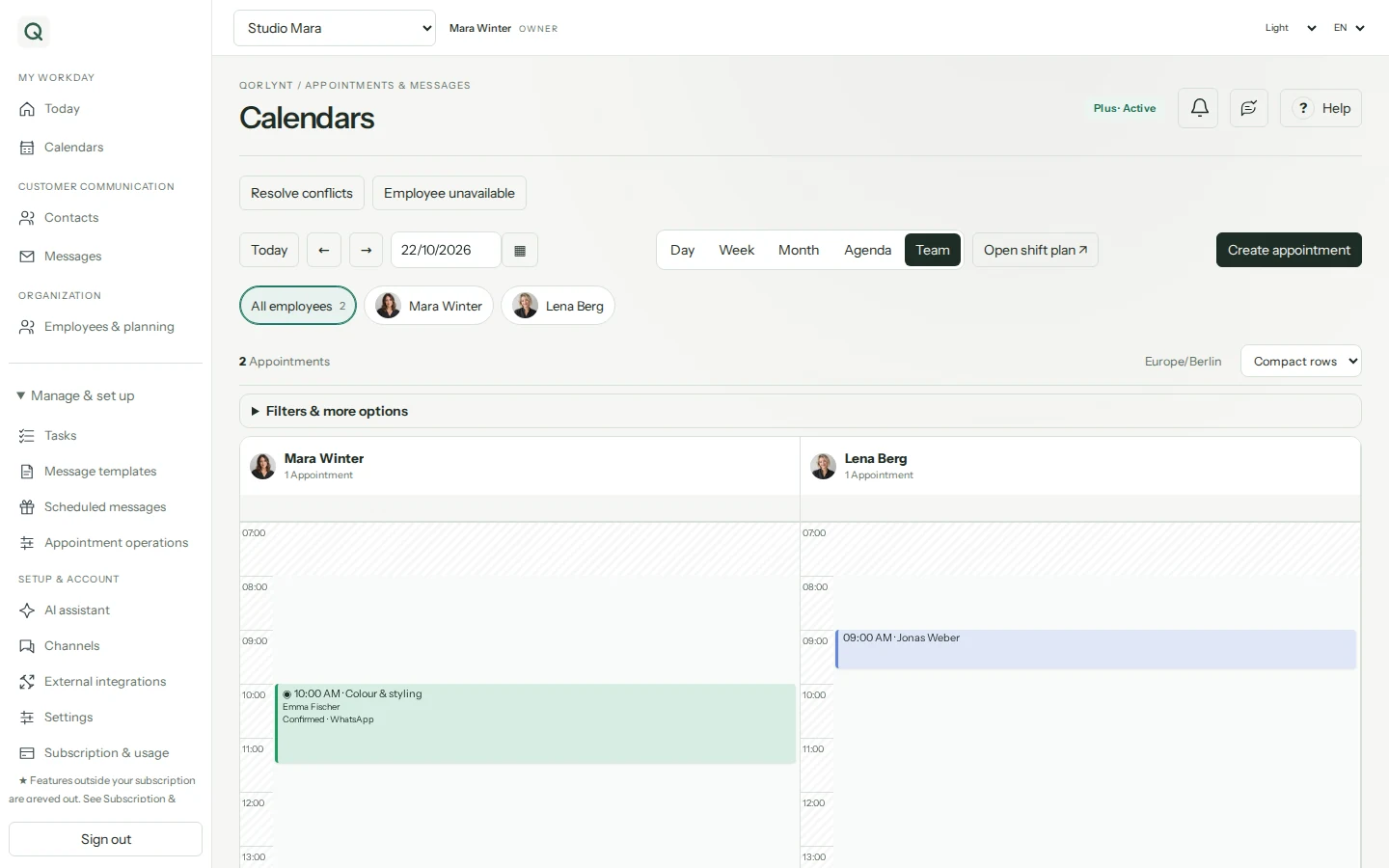
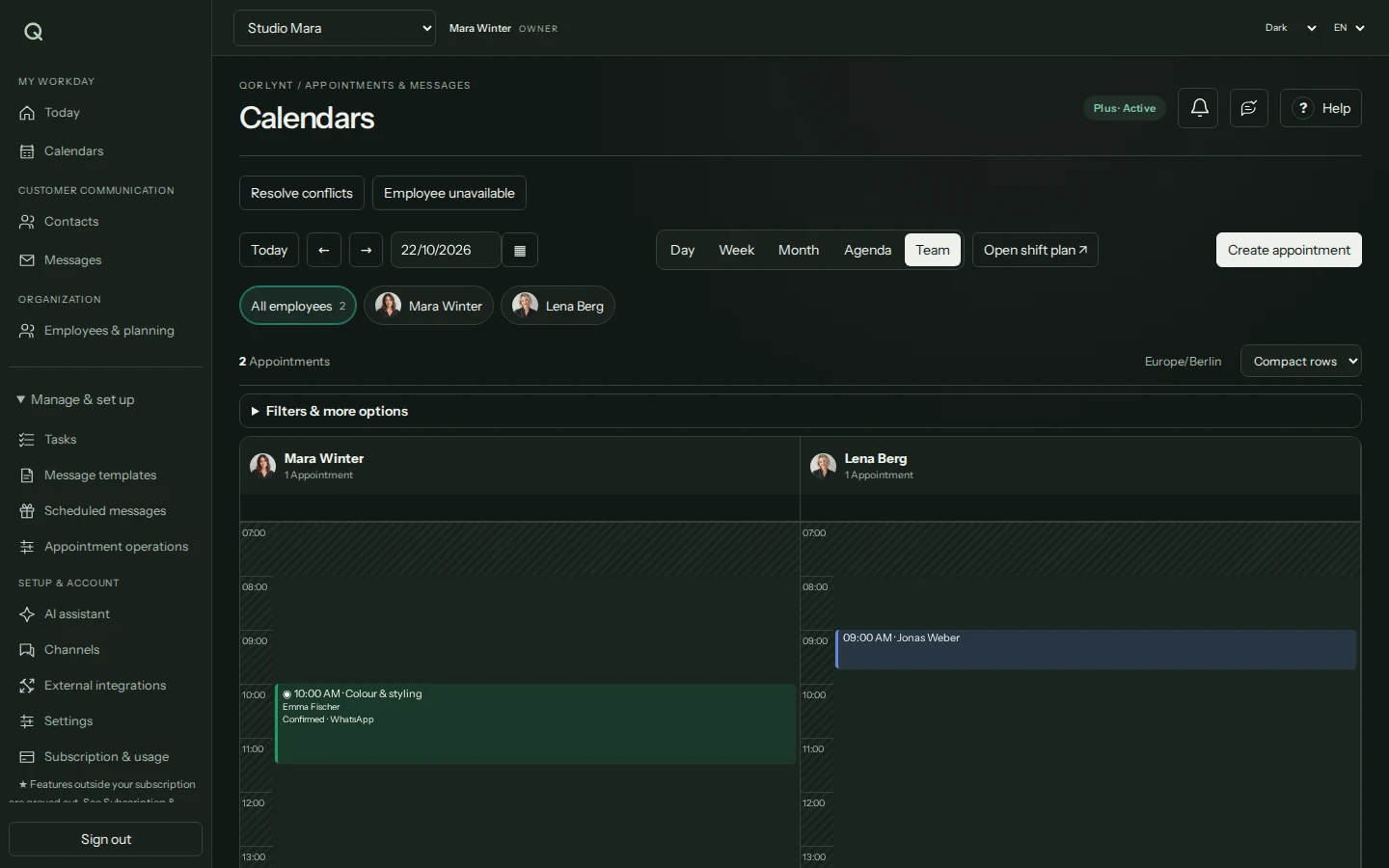
- For multiple consultants, configured staff services and availability, plus a plan supporting staff bookings.
- Collect only contact information needed for organisation. This page does not promise a protected therapy record or specialist documentation system.
Which plan fits?
Basic may suit straightforward solo bookings. Staff-specific bookings and team planning start with Plus. Compare current allowances and features on the pricing page. Required Microsoft or Google licences and any WhatsApp provider charges are additional costs.
Compare plans and allowances →What to know before starting
QORLYNT does not replace a learning platform, course management or professional consultation records. These examples cover individual bookable sessions; they do not promise automatically generated appointment series, coaching bundles or per-session payment. Guest access to video calls depends on the provider and organizer.
Frequently asked questions
Can I offer a short introduction separately from a longer consultation?
Yes. Create separate services with their respective durations and availability. Customers can choose the right conversation, and you can distinguish the appointment types in your calendar.
Can I offer both on-site and online consultations?
Yes. Use separate services for the formats you want to offer. The appointment type and, for video calls, the organizer are configured for each service.
Can several coaches or consultants use the system?
With a suitable plan, you can assign staff members, services and availability. Online appointments also require matching calendar assignments and organizer permissions; QORLYNT cannot arbitrarily create meetings on another person’s behalf.
Do bookings require WhatsApp?
No. The booking link and website widget work as independent entry points. Connect WhatsApp only if you want to communicate through it and meet its requirements.