

AI phone assistant with booking
Answer calls while you look after your customers.
The optional QORLYNT Voice assistant answers questions using your stored business information, supports appointment booking and records callback requests. You configure services, opening hours and booking rules.
How the workflow works
Prepare your business information
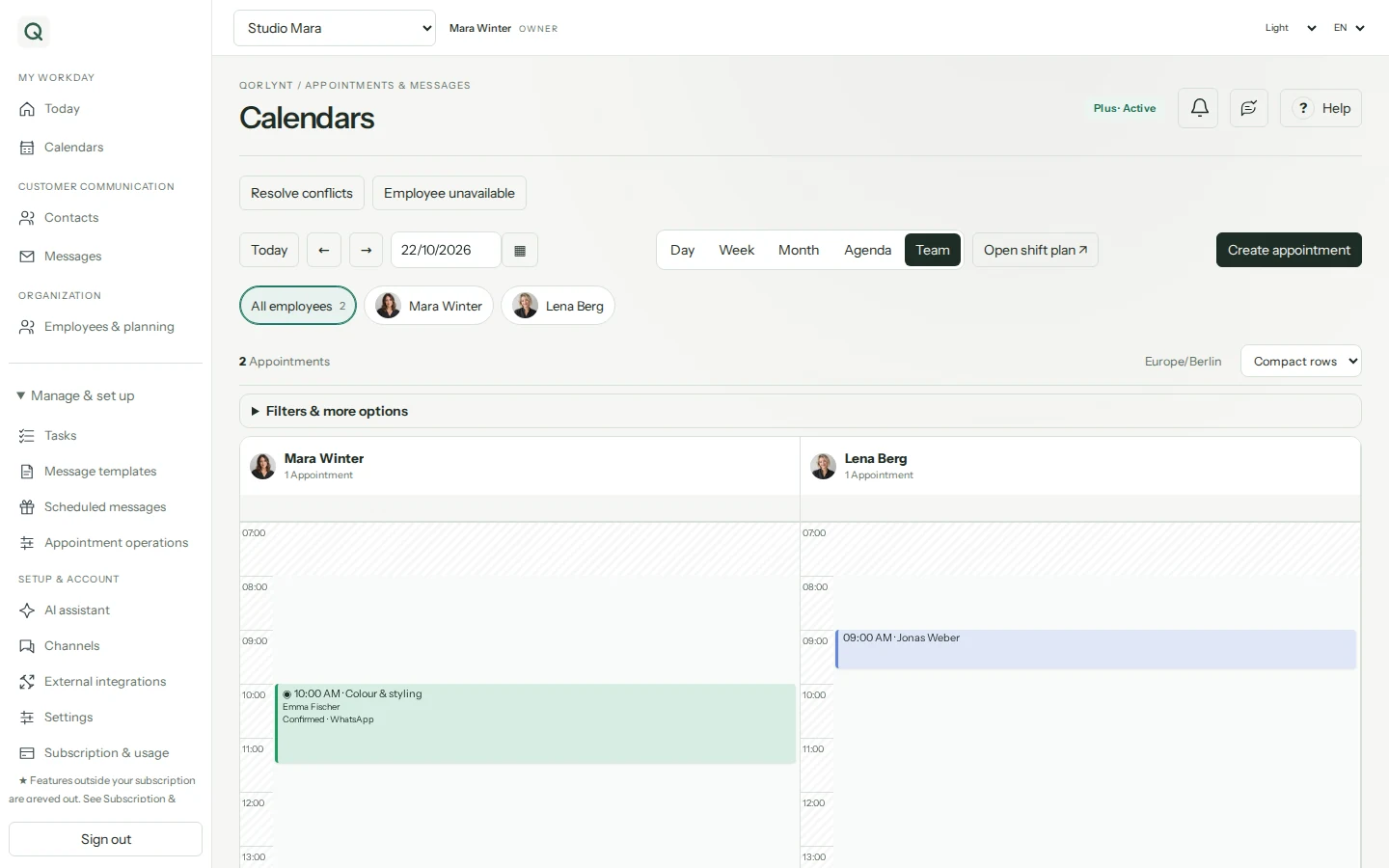
Provide the information the assistant should use. Configure services and booking rules in the QORLYNT calendar. Connect an external calendar only if needed.
Try a conversation in your browser
An active account or ongoing trial includes a one-time 20-minute browser voice test. Bookings and callback requests are simulated in this test; no phone number is needed.
Set up and check telephone operation
After number setup and approval, test real calls and your intended workflows. The assistant supports appointment scheduling or records a callback request for your team.
What to set up first
- Choose a QORLYNT base plan and a separate Voice add-on subscription.
- Set up the number, activation and any forwarding before telephone operation.
- Check business information, calendars and permitted booking workflows with test calls.
Which plan fits?
Voice starts at €30 per month in addition to the base plan and has its own minute allowance. It can be added to Basic; staff-specific bookings require Plus. Your telephone provider may charge additional forwarding fees.
Compare plans and allowances →What to know before starting
Voice is not an unlimited part of the base plan. The browser trial does not replace a test of telephone operation. Available appointments and correct business information are required; individual enquiries may need a callback from your team.
Frequently asked questions
Do I need my own Twilio account?
QORLYNT Voice does not require your own Twilio account. Numbers and telephone operation follow the provided setup and approval process.
Can I test before setting up a number?
Yes. With an active account or ongoing trial, the one-time 20-minute browser test works without a number. Bookings and callbacks are simulated.