01
Business manager
Your daily briefing in ChatGPT: appointments, open tasks, staffing, messages and decisions.
Set up in just a few minutes.
Select the responsibilities and skills for your Agent Studio profile in QORLYNT. Connect QORLYNT to ChatGPT or Claude once and link your profile. Then get started directly in your connected AI chat.
Entirely optional: use the regular QORLYNT interface, delegate individual tasks, or manage all supported business areas through your agent. Your plan, location permissions and approvals define its scope. You still handle billing and external account sign-ins yourself.
Open Agent StudioYou need a QORLYNT account and a suitable AI business workspace with an effective DPA, such as ChatGPT Business/Enterprise or Claude Team/Enterprise.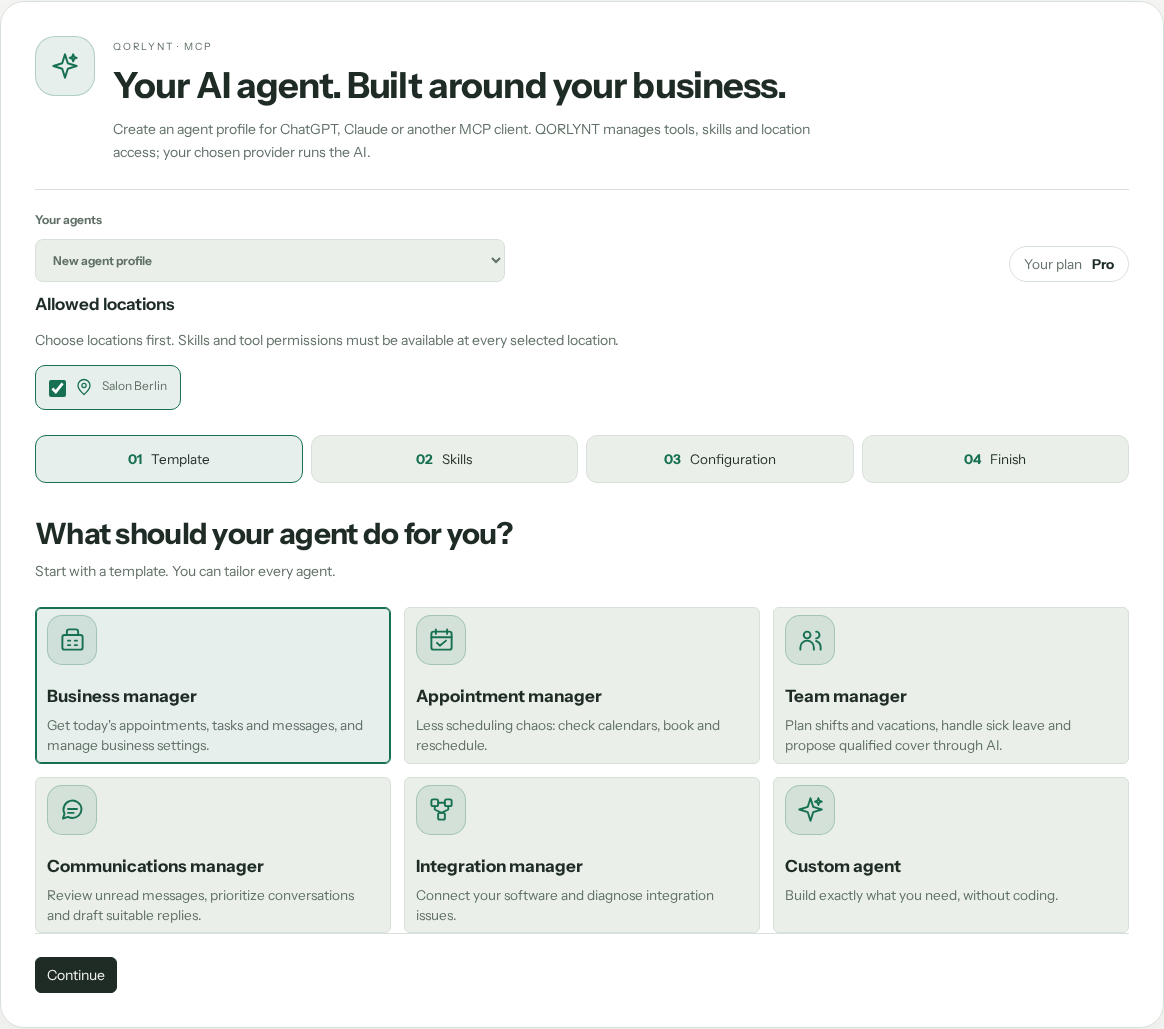 Open Agent Studio image at full size ↗
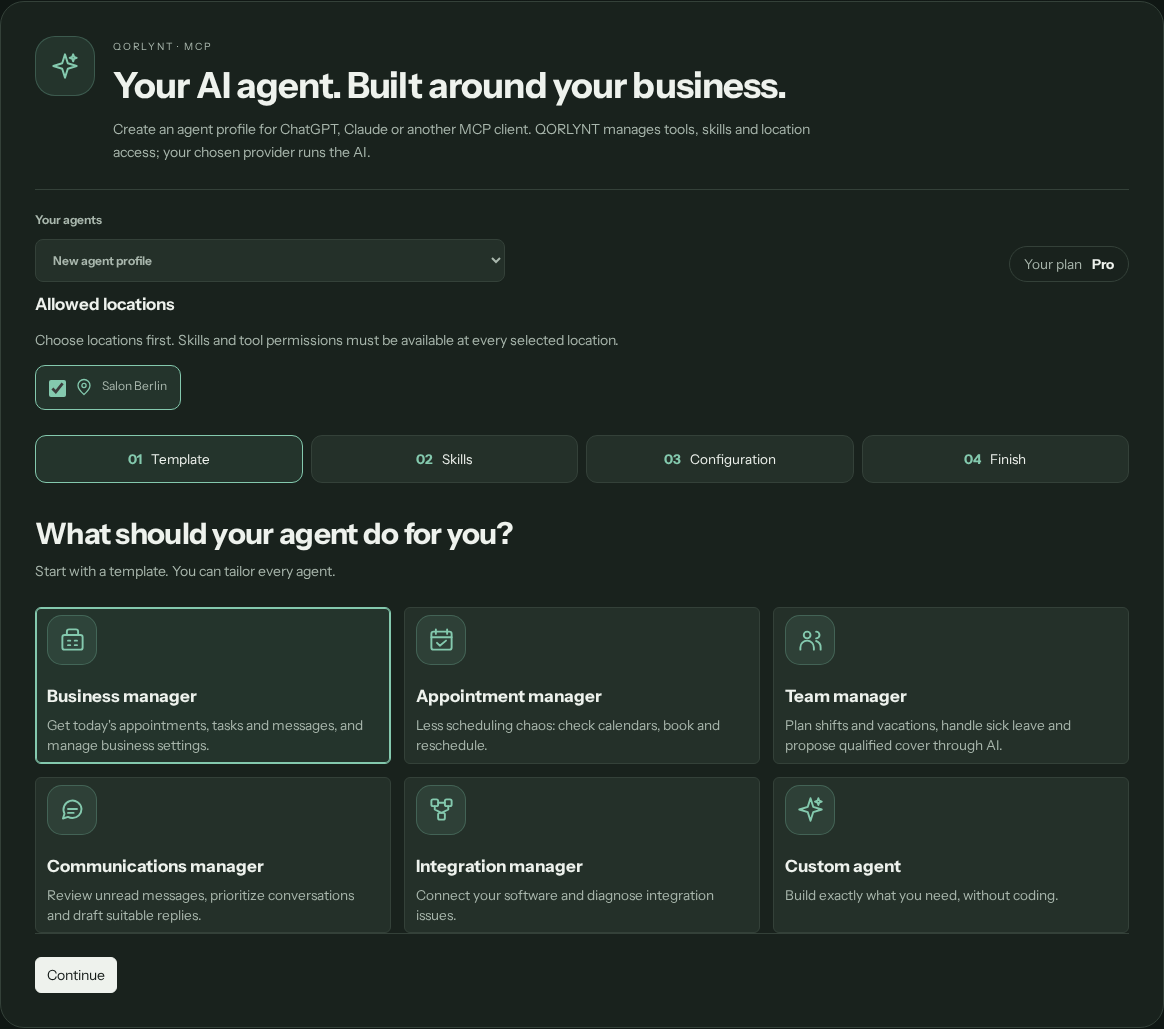 Open Agent Studio image at full size ↗
Every role can be customized with additional skills.
Your daily briefing in ChatGPT: appointments, open tasks, staffing, messages and decisions.
Calendars, availability, booking requests, changes and approvals.
Staff illness, vacation planning, shift schedules and qualified cover with previews and approvals.
Check, prioritize and draft replies for unread WhatsApp, Telegram and email conversations.
Connect calendars and software, check webhooks and troubleshoot failures.
Combine exactly the skills and responsibilities you want, without coding.
Sign in to QORLYNT and choose a template in Agent Studio.
Select tasks and locations, then save the profile.
Open ChatGPT or Claude and connect QORLYNT using the short steps in Studio.
Sign in to QORLYNT, select your Agent Studio profile and allow access. Then manage your business directly in your connected AI chat, within the permissions you have granted.
Test a read-only task first. Business changes are governed by QORLYNT approvals.
Your AI account must support custom connections; team accounts may require administrator approval. Once you have signed in and allowed access, your linked Agent Studio profile is available in your connected AI chat. There is no need to copy prepared instructions.
Your business data and access rights remain controlled in QORLYNT. A skill does not grant permissions on its own.
Open Agent Studio