

Automatic appointment reminders
Automatic appointment reminders. Keep customers informed in time.
Appointments can be easy to forget during a busy day. QORLYNT lets you configure reminders for booked appointments and manage confirmations, changes and cancellations in the same workflow. This can help prevent forgotten appointments and resolve questions earlier. It does not guarantee a particular reduction in missed appointments.
How the workflow works
Choose timing and relevant appointments
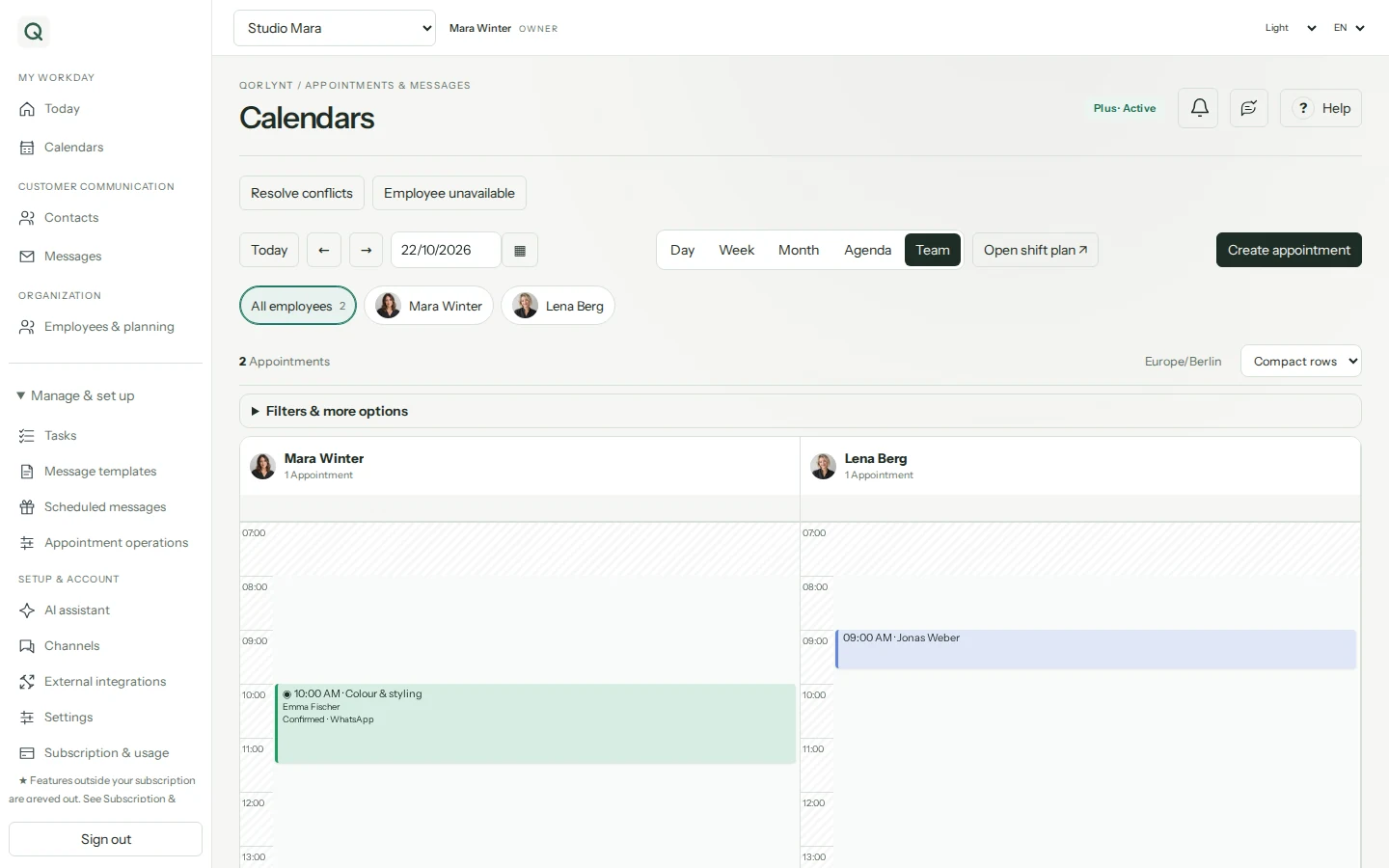
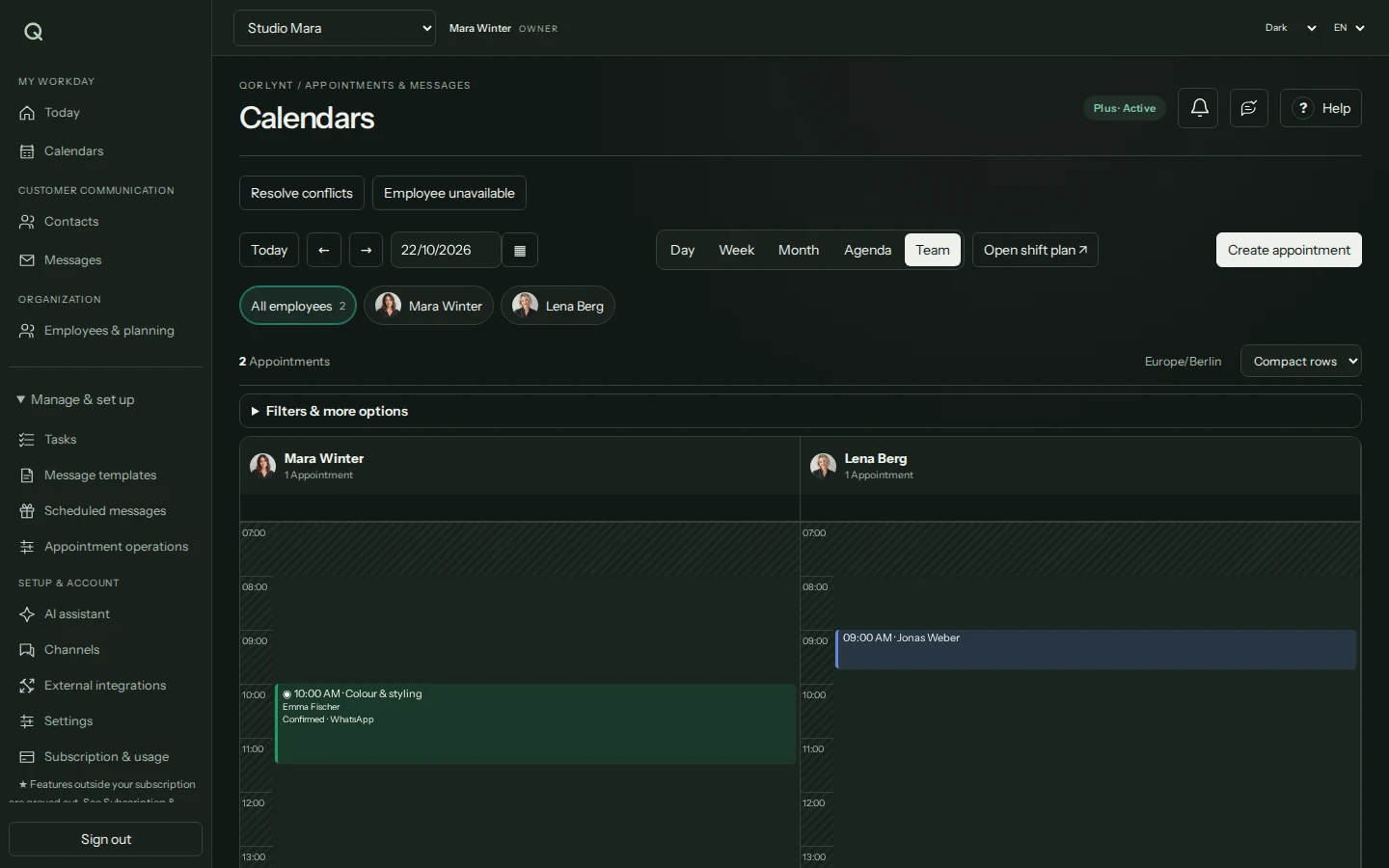
Open Appointment reminders & replies in the calendar. Choose the reminder trigger and a suitable lead time, such as one day before the appointment. Filter by calendar, service, staff member or contact group where needed. Check existing standard reminders to avoid duplicates.
Choose the message and channel
Select a suitable template and a configured channel, such as WhatsApp or email. Include the appointment, time and a clear way to ask questions or request changes. WhatsApp requires suitable templates and delivery permissions; reminder wording does not replace Meta approval.
Check, activate and follow up
Check the workflow with your own test contact and a suitable test booking. Activate the rule and review delivery status. Test rescheduling and cancellation too: do not assume an already planned reminder is still appropriate for a changed appointment.
What to set up first
- A booked appointment and complete contact details for the selected channel.
- A configured reminder rule with lead time, suitable template and the appointment filters you need.
- For WhatsApp, a connected number, suitable permissions and template; respect consent and provider rules.
- Clear online rescheduling and cancellation rules. Your change deadline still applies when a reminder is sent.
Which plan fits?
Choose a plan according to bookings, messages, contact numbers and team features. The pricing page shows current allowances. WhatsApp provider charges are additional. Multiple reminder times create more messages and should be chosen deliberately.
Compare plans and allowances →What to know before starting
Sending a reminder does not guarantee attendance. Delivery, reading and attendance are different outcomes. Check message errors and follow up unresolved cases personally. This page does not promise no-show reduction figures, automatic missed-appointment charges or guaranteed replacement bookings.
Frequently asked questions
What else can help prevent no-shows?
Send a clear confirmation, choose an appropriate reminder time, keep contact details current and explain changes within your booking rules. Follow up unanswered questions and record actual missed appointments. Your own data will show which measures work for your business.
Can I configure more than one reminder per appointment?
Yes. Separate rules allow different reminder times. Check overlaps with standard rules and avoid excessive messages. Lead times and recipient selection should suit the service.
Is a birthday greeting the same as an appointment reminder?
No. An appointment reminder relates to an actual booking. Birthday greetings or messages before a wedding anniversary use contact data and are configured as a planned messaging workflow.
Can customers still reschedule after receiving a reminder?
That depends on your configured online change deadline. QORLYNT supports changes until the previous day, an hours-based deadline or disabled online changes. Sending a reminder does not extend this deadline.