

The tools to run your business.
Calendar, messaging, team planning and AI: see what QORLYNT does, what you can configure and which requirements apply. Connect your own AI assistant through MCP, too.
Consult online. Connect your workflows.
Google booking links and reviews, Meet and Teams meetings, Outlook and two-way automations connect the whole appointment lifecycle.
- Set up location-specific Google links and automatic review requests
- Choose On site, Google Meet or Teams per service; online requires a matching connection
- Use QORLYNT through menus and selection cards in Teams chat and send events to Make, n8n or custom systems
- Set up the connection
- Select permissions and locations
- Test the workflow
Calendar and bot accounts require setup. Location permissions, booking rules and consent apply to every connection.
Stay in touch at the right moment.
Answer enquiries, take over conversations personally and schedule messages through WhatsApp, Telegram or email. Contacts and conversation history stay together.
- Messages with a scheduled send time
- Appointment reminders and recurring greetings
- Contacts, groups and consent in view
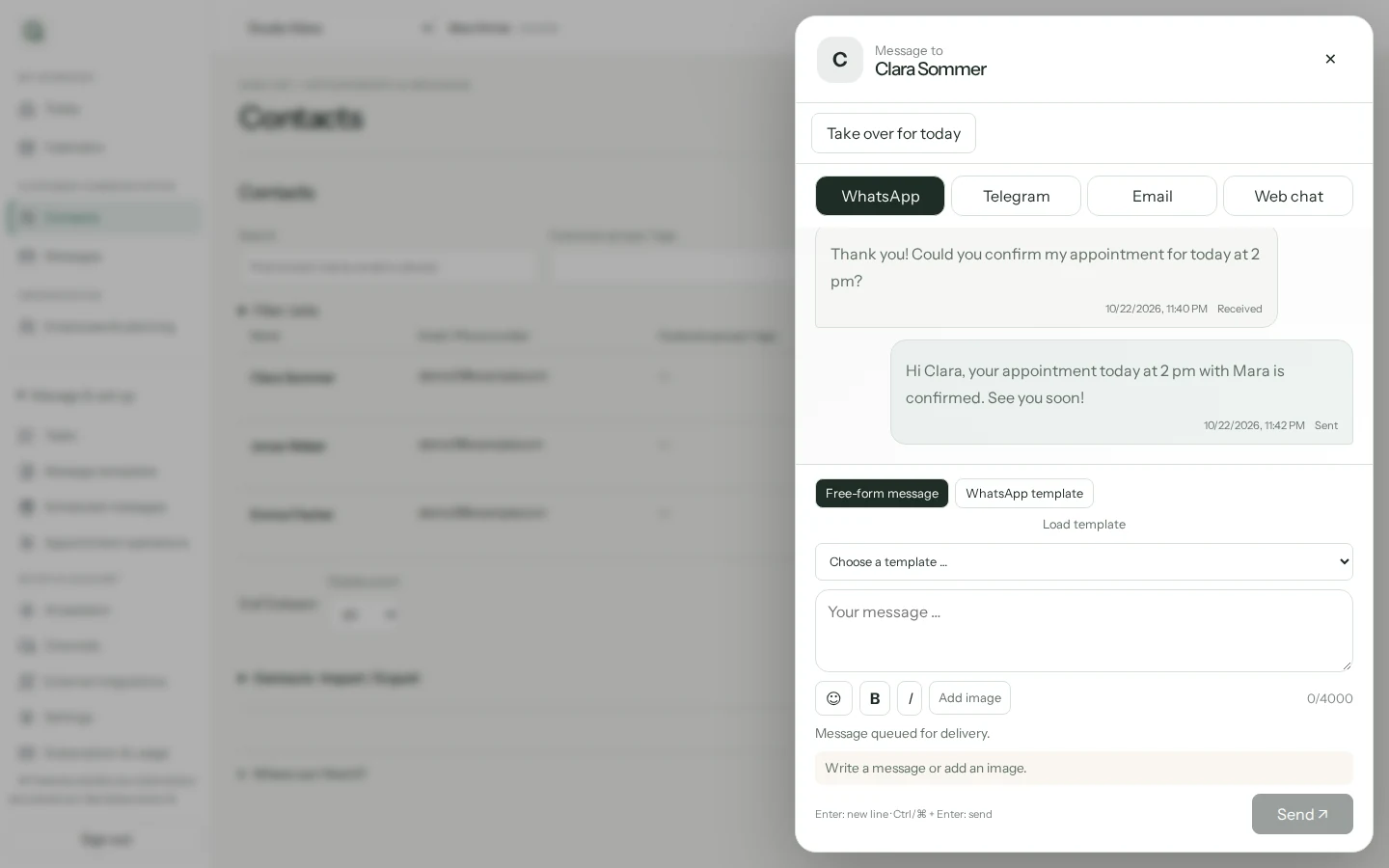
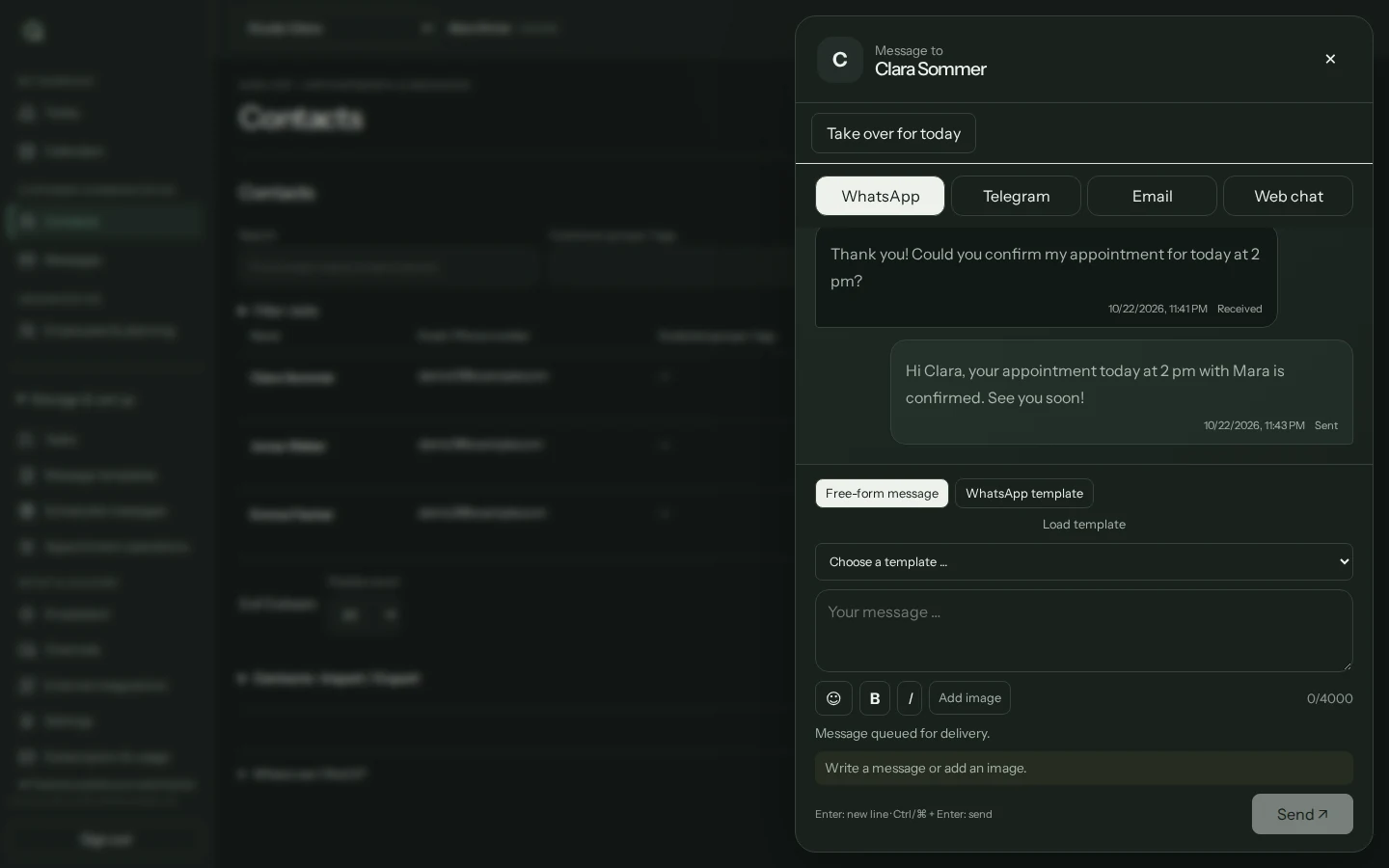
Channels must be connected. WhatsApp consent and template rules apply; Meta charges may apply separately.
Less back and forth. A clearer calendar.
Customers book through your website or connected messengers. Services, duration and booking rules determine which appointments are offered.
- Guided booking with a service, employee and available time
- Set approval, lead times, buffers and change deadlines
- Compact calendar with team view and employee filters
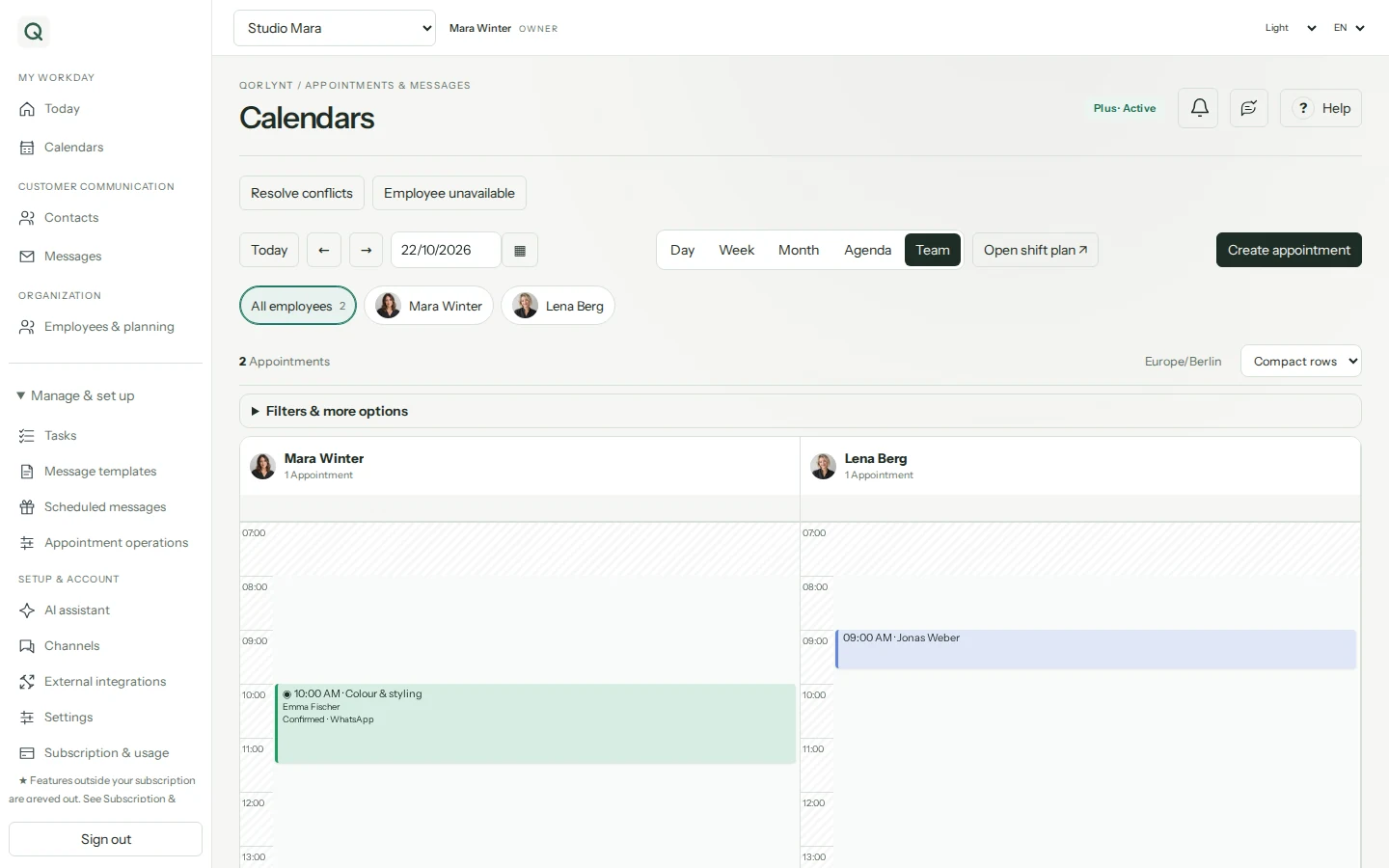
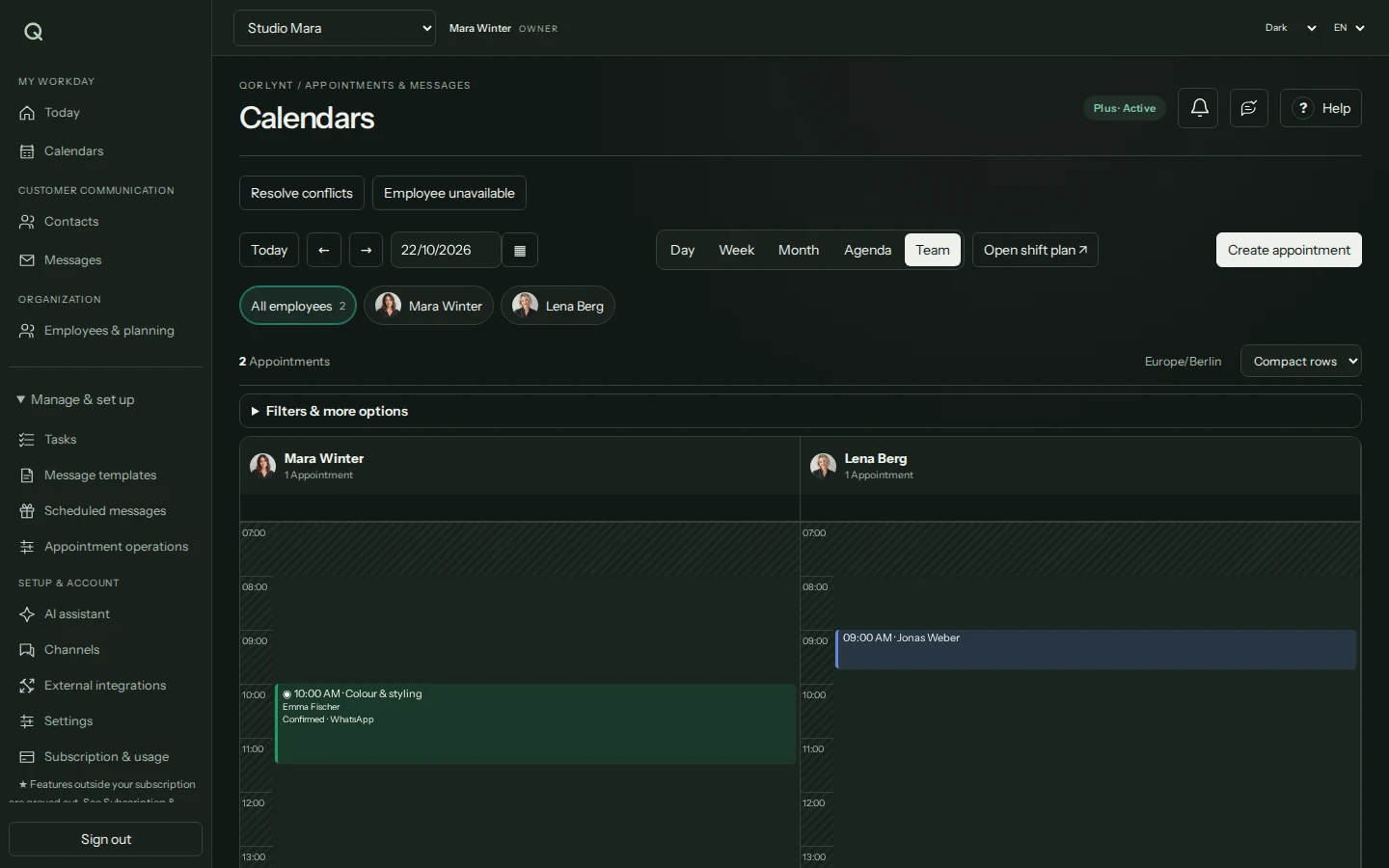
Basic covers simple solo scheduling. Staff-specific bookings and team planning start with Plus.
The right service with the right employee.
Organise staff, responsibilities and availability together. Customers can book eligible team members directly.
- Match services with qualified staff
- Account for shifts and absences
- Review conflicts and reschedule deliberately
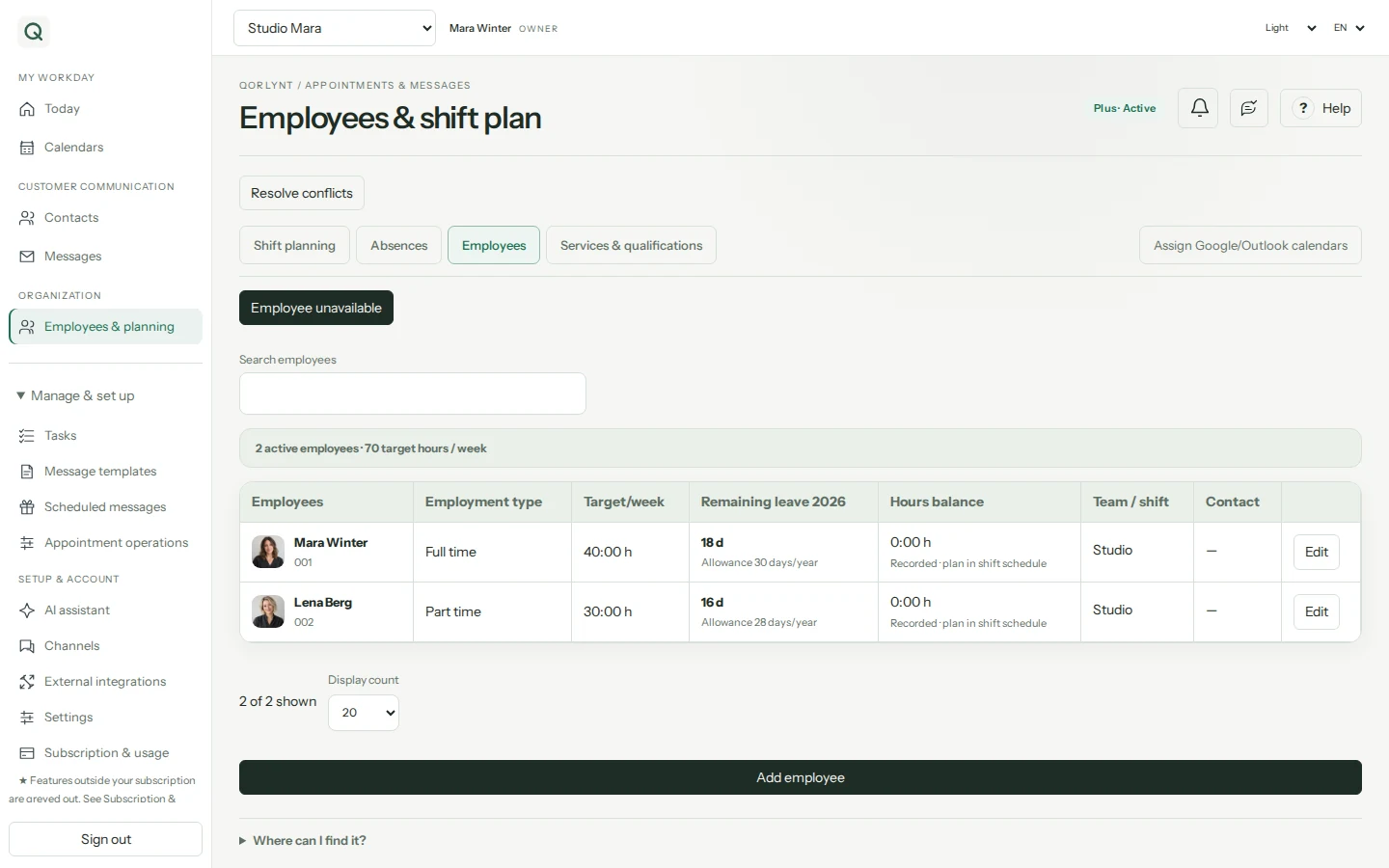
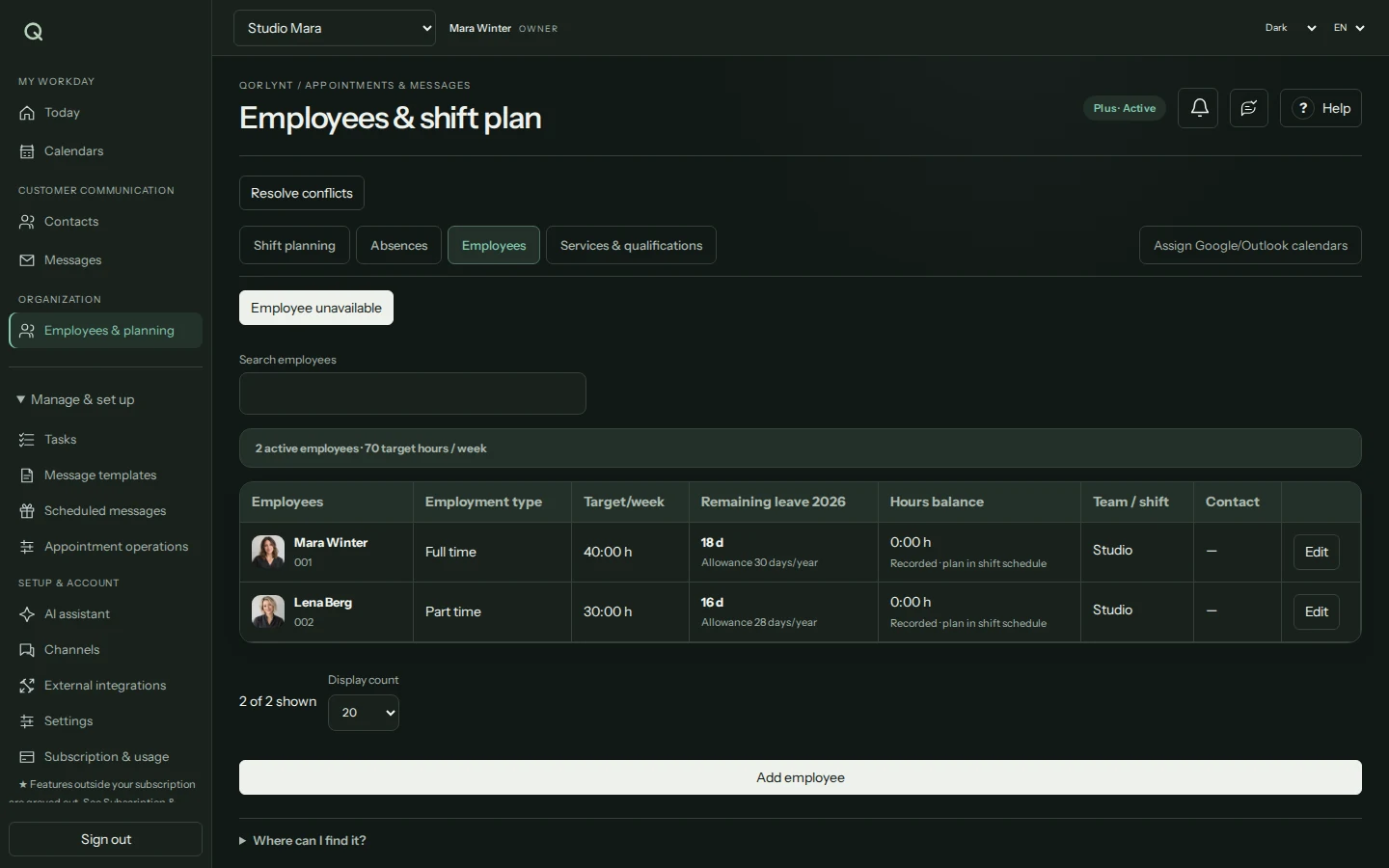
An absence does not guarantee a replacement appointment. You review conflicts and decide how to proceed.
Your website can do more than show a link.
Embed booking and webchat to suit your website. Customers ask questions, receive replies and can arrange a suitable appointment.
- Floating chat button or inline embed
- Customise the label, colour and position
- Email-verified chat with AI and team replies
- Choose a layout
- Embed the code
- Test chat and booking
The embed uses your QORLYNT booking link. Update the copied website code after changing its design. Customers verify their email address before chatting.
Help automatically. Take over personally.
Your assistant uses business knowledge and booking rules. Optional handover conditions bring suitable enquiries to your team for follow-up.
- Optionally enable AI handover and describe conditions
- Filter conversations with paused AI in the inbox
- Review the history, reply and deliberately resume AI
- Set conditions
- Identify a handover
- Take over the conversation
A handover pauses AI for the contact and creates a task. It does not promise a response time or automatically assign an employee. Telephone Voice has a separate workflow.
Your AI assistant. Connected to QORLYNT.
Connect ChatGPT or Claude to your business without writing code. Through MCP, your assistant can query permitted data and help with appointments, messages and team scheduling.
- Look up calendars, available times, contacts and team data
- Prepare or carry out bookings, messages and shift changes through permitted tools
- Choose each tool’s access: disabled, read, approval required or direct execution
- Copy the MCP address from QORLYNT
- Connect it in ChatGPT or Claude
- Choose permissions and describe your task
New connections start without tool permissions. You control access; pending approvals have not executed. Your AI provider must allow custom MCP connections for your account.
Make better use of open appointments.
Use waitlists for newly available appointments and group on-site visits by contact fields, such as postcode.
- Reach suitable waitlist contacts
- Keep track of appointment offers
- Group on-site appointments by shared attributes
- Spot an opening
- Find suitable contacts
- Offer an appointment
A waitlist offer does not reserve an appointment. Grouping does not calculate travel times or road routes. Ultra increases allowances.
A good workflow starts on the phone, too.
The Voice agent answers questions using your saved business knowledge, helps with bookings or records a callback request.
A separate minute package supplements your subscription from Basic. Staff-specific bookings require Plus. Setup includes a number, activation and testing; a callback request is not a promise of a return call.
What keeps everything connected.
The details matter, from contacts to access. Find every setting in the searchable handbook.
Contacts with context
Import contacts, maintain their information and account for consent.
AI with your business knowledge
Save knowledge and configure assistants for their intended tasks.
Connect other systems · Beta
Configure API connections, field mappings and events for existing business systems.
Stay on top of account access
Manage multi-factor authentication, active sessions and personal account settings.
Available on the go
Install the web app and set up push notifications. An internet connection is required.
A plan that grows with you
Manage your subscription, allowances and additional seats to suit your business.
What does your business need?
Plan labels are a starting point. The plan advisor considers your actual needs. Add guided basic setup for €99; full implementation and personal training are available on request.