

Manage appointments with ChatGPT & Claude
Manage your business with ChatGPT or Claude.
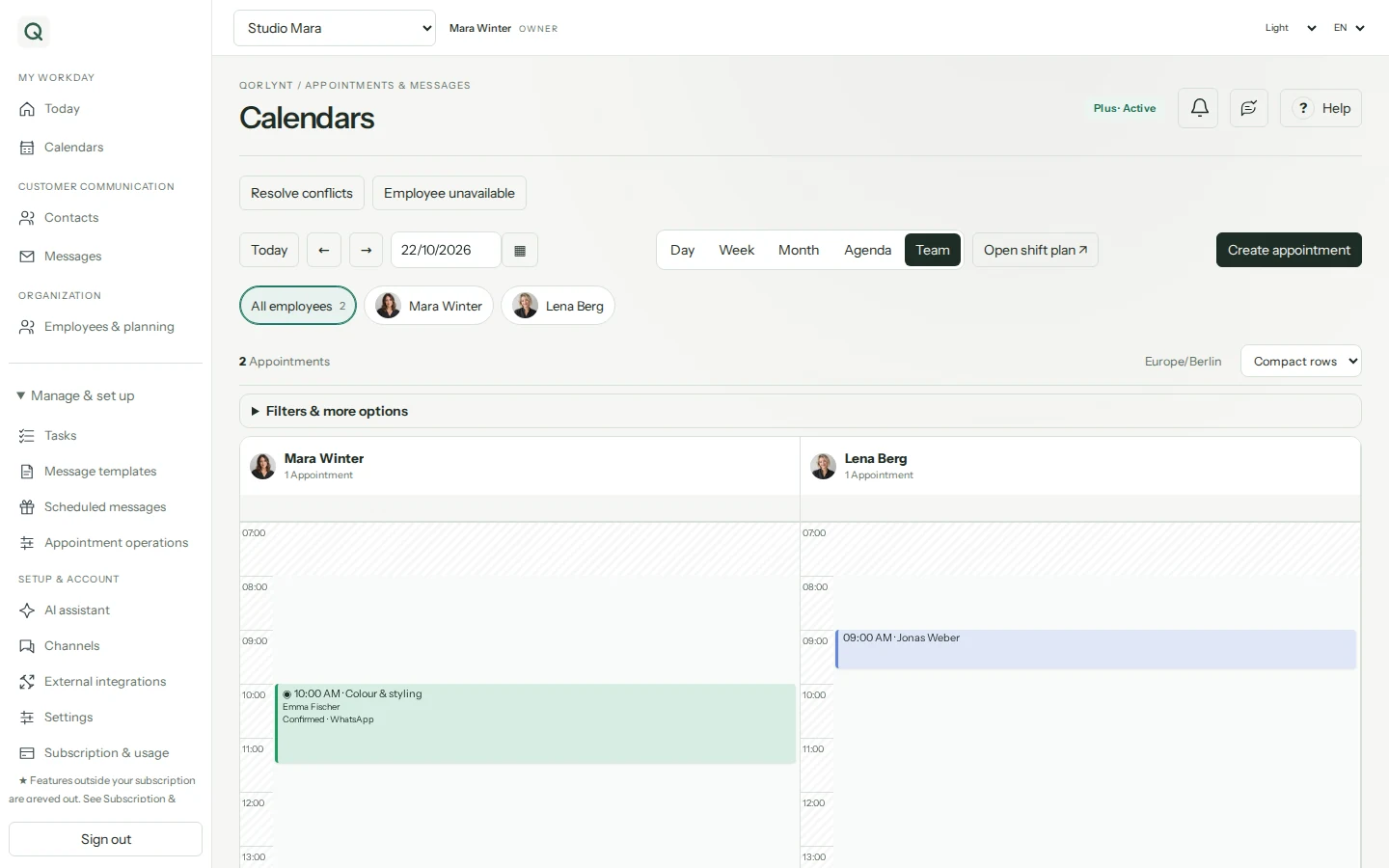
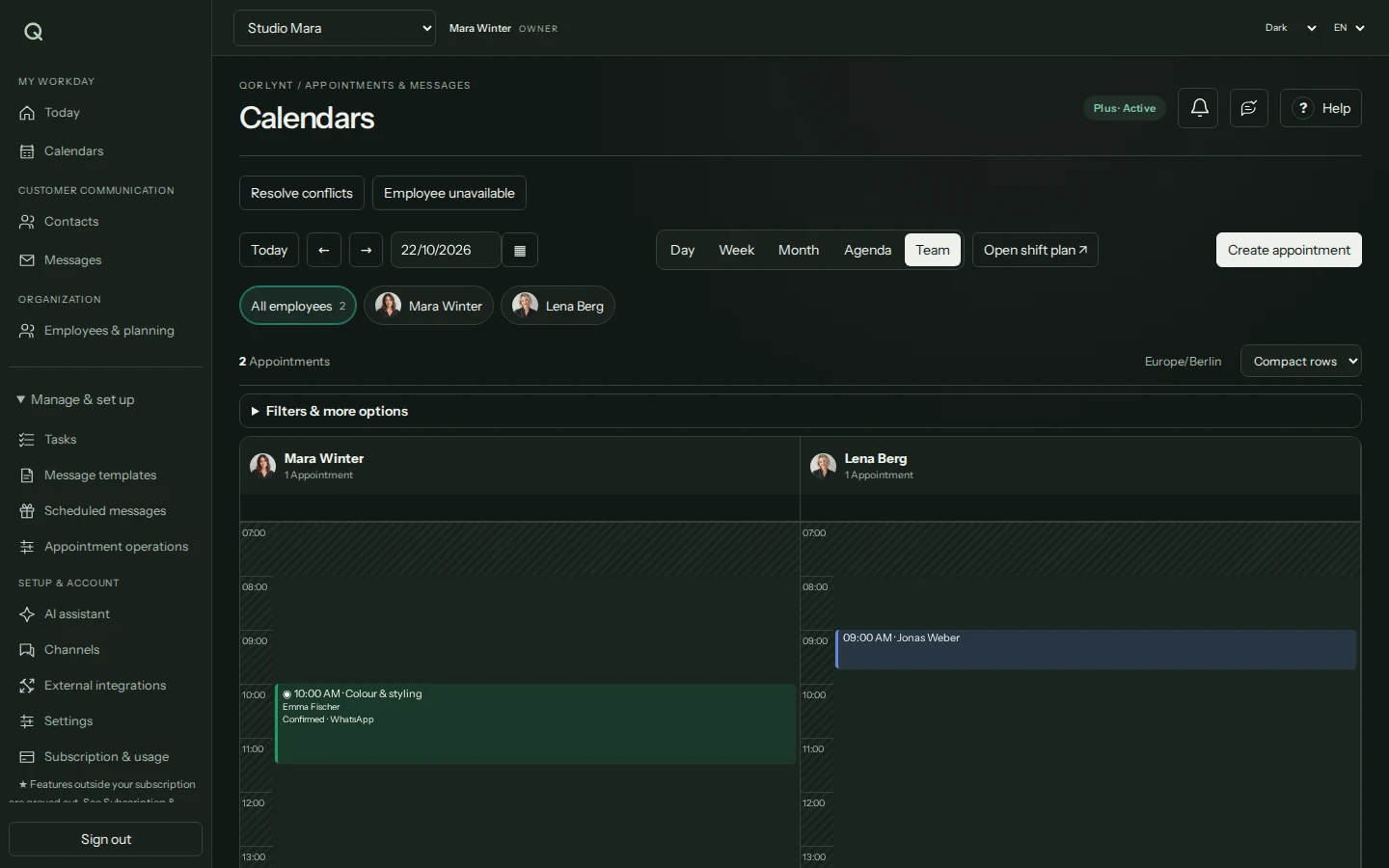
QORLYNT's MCP connector links a compatible AI assistant to your business. Ask about appointments, check availability and request permitted changes from a conversation. The connection is in beta; you control tools and locations.
How the workflow works
Connect and start with read access
Open External connections → MCP connector in QORLYNT and copy the server address. Add a custom OAuth MCP connection in ChatGPT or Claude. Sign in to QORLYNT, select the business and initially grant only the read permissions you need.
Describe a specific task
For example: Show me available times for a haircut with Mara tomorrow; do not book anything yet. The assistant can check permitted calendars, services and availability. Finding a time does not reserve it.
Review and execute the change
With suitable write permissions, request QORLYNT bookings for existing contacts, reschedule or cancel appointments, or send individual template messages now or later. Choose QORLYNT approval or direct execution per tool. A pending approval is not a completed action.
What to set up first
- Use a ChatGPT, Claude or other MCP client whose plan and workspace allow custom connections.
- Select the correct business, permitted locations and tool permissions in QORLYNT; test the connection with a read request.
- For changes, grant the required user permissions, plan features and connection rights. Booking rules and consent still apply.
Which plan fits?
MCP connection setup is accessible in Basic, Plus, Pro and Ultra. Available actions still depend on your plan and user permissions; MCP does not unlock additional team features. AI-provider costs and any message delivery fees are additional.
Compare plans and allowances →What to know before starting
MCP is a tool connection, not an autonomous background agent. Write actions manage QORLYNT bookings, not arbitrary external calendar events. Permitted data may be processed by the connected AI provider. Change permissions or revoke access when needed; revocation does not undo completed changes.
Frequently asked questions
Can ChatGPT or Claude schedule a customer message for later?
With the messaging tool enabled, the assistant can request an individual template message for an existing contact now or later. The template, consent, allowance and any required approval must be valid. Configure recurring campaigns in the QORLYNT message planner.
Can the assistant help with staff planning?
With the relevant plan features and separately granted tools, it can check shifts, absences and affected appointments and request agreed changes. It does not unlock extra plan features.
Is QORLYNT automatically available in every ChatGPT or Claude account?
No. Set up your own MCP connection. Availability depends on your AI plan and workspace policies; this integration does not claim an official partnership or provider-directory listing.