

QORLYNT for hair & beauty salons
Appointments and customer messages for your salon.
While you cut, colour or provide a treatment, customers want to book. QORLYNT connects online booking, WhatsApp communication and team planning. AI phone answering is an optional separate addition.
How the workflow works
Select a service and staff member
In this example, a customer wants a haircut with Mara. You have configured the service duration and Mara's bookability. Individual staff selection is available from Plus.
Check a free time and confirm
Booking uses the configured times and availability. The customer chooses and confirms a slot. If manual approval is enabled, you then review the request; a preferred time alone is not a firm booking.
Continue working in the salon
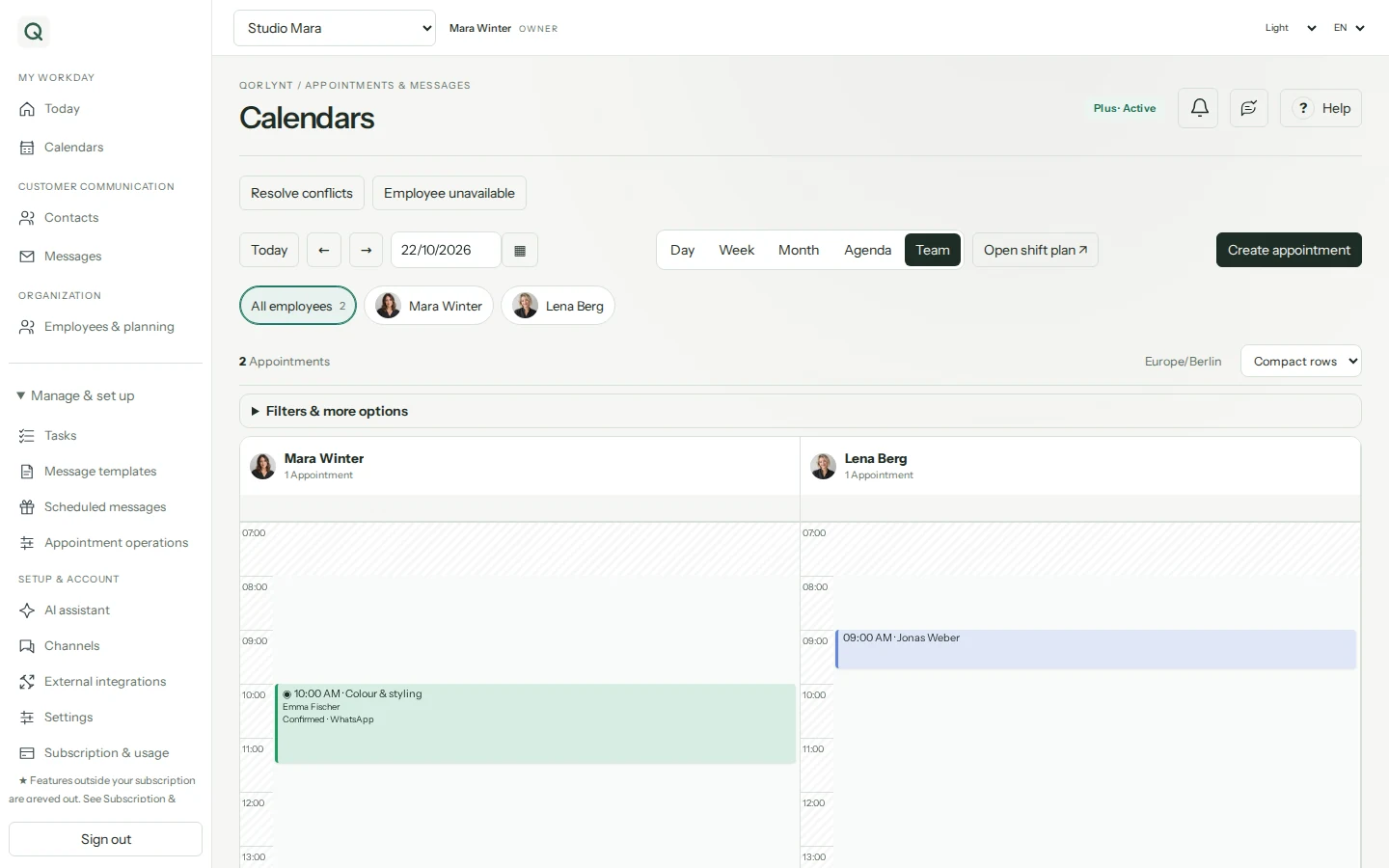
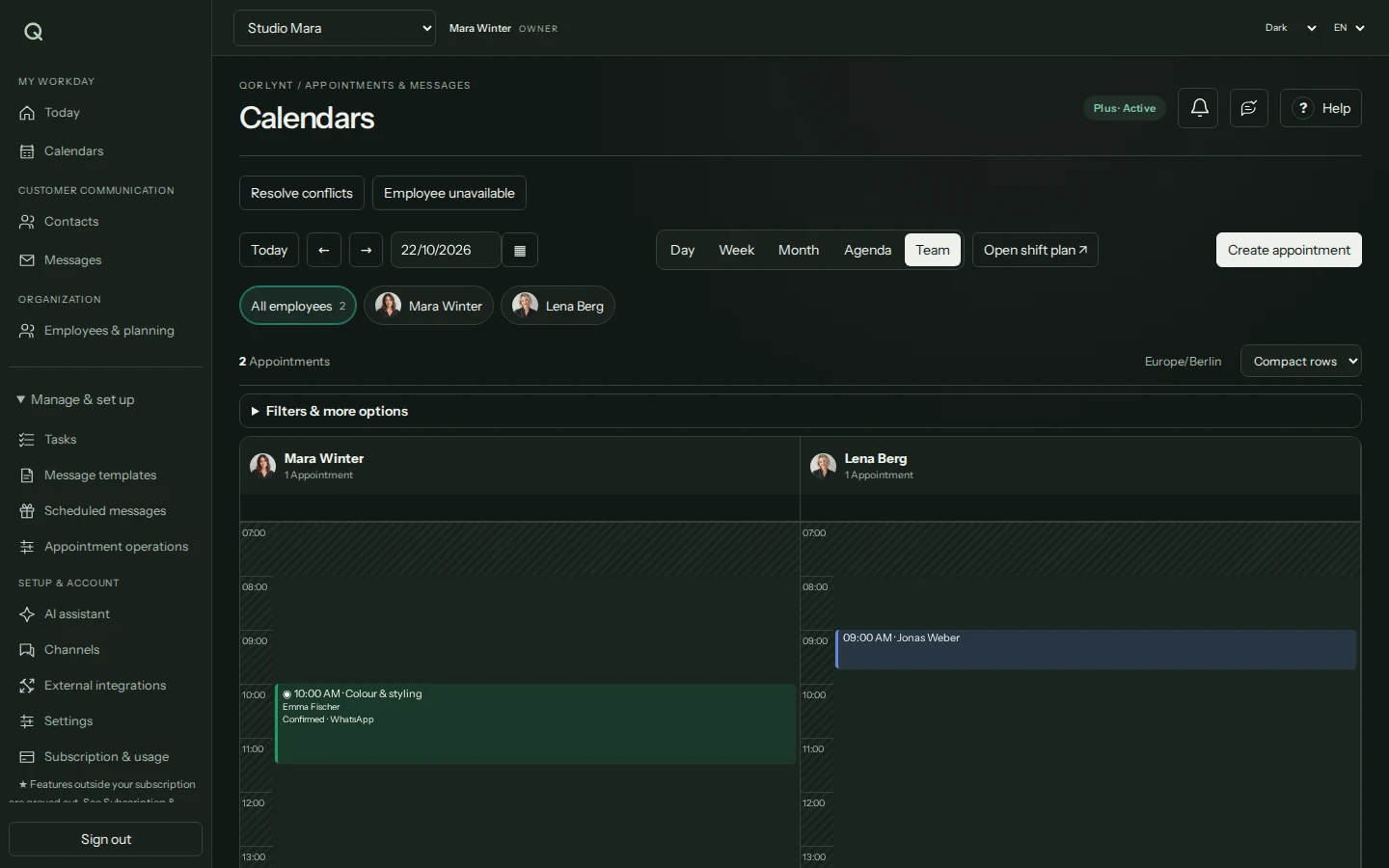
Your team uses the calendar with staff filters. Configure reminders and personal messages through connected channels. If someone is absent, review affected appointments and explicitly confirm suitable changes.
What to set up first
- Configure services, duration, opening hours and staff availability where needed.
- Share the booking link or website widget; connect WhatsApp and calendars as needed.
- Test booking, approval and notifications with example data before offering the workflow to customers.
Which plan fits?
Basic may suit simple solo bookings. Staff selection, shifts and absences start with Plus. Voice is a separate subscription; WhatsApp provider fees are additional. Also compare contact, message and booking allowances.
Compare plans and allowances →What to know before starting
This example is not a customer testimonial. A staff absence does not guarantee a replacement appointment. Check specialist salon workflows before switching; this page does not promise a till, inventory management or other specialist features not described here.
Frequently asked questions
Can customers book their preferred staff member?
From Plus, bookings can consider individual staff members. Services, bookability and availability must be configured accordingly.
Must I set up WhatsApp and phone answering immediately?
No. Start with online bookings or customer messages and add channels later. Phone answering requires the separate Voice offering and its setup.